
INTRO
This page covers Hasselblad digital backs in the CFV series, with a focus on real-world use, compatibility, and workflow. These modular digital backs enable modern digital capture on Hasselblad V-system cameras, the 907x body, and technical camera platforms. The sections below document my long-term use of the CFV II 50c and CFV 50c, their shared 50-megapixel sensor, Live View focusing, V-camera focusing considerations, and supporting accessories.
DIGITAL BACK: CFV II 50C
CFV II 50c Overview
* Mounts to 907x body and all Hasselblad V-series cameras
* Classic A12 film-back styling with modern digital capture
* 3.2" tilting touchscreen with improved UI over the original CFV50c
* Internal rechargeable battery + built-in Wi-Fi
* Same sensor as the CFV50c; primary upgrades are screen and interface
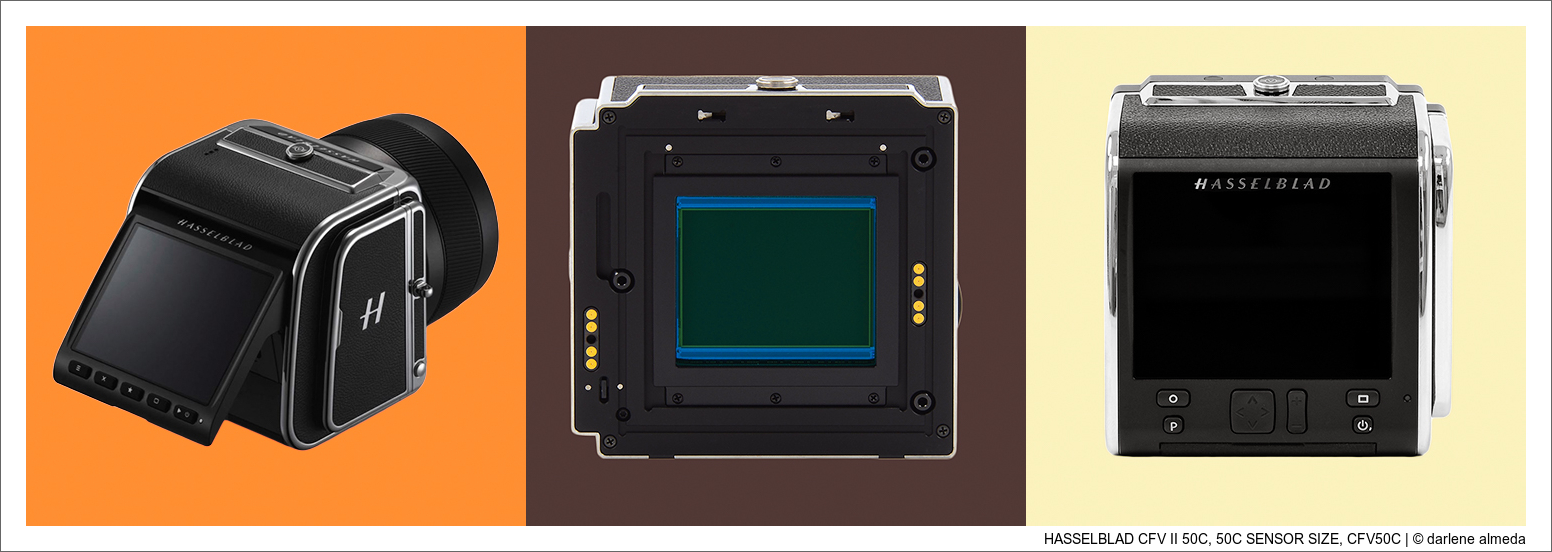
Pictured above in the first image is the CFV II 50c mounted on the 907x camera and lens. The CFV II 50c is the updated version of the original CFV50c digital back and retains the classic Hasselblad V-system interface for use with the included 907x body and all Hasselblad V-series cameras. Styled after the traditional A12 film back, this digital back centers around a 43.8 × 32.9 mm, 50-megapixel CMOS sensor, producing high-resolution images with approximately 14 stops of dynamic range, 16-bit color depth, and an ISO range of 100–25,600.
The CFV II 50c incorporates a 3.2″ 2.4-million-dot rear tilting touchscreen LCD. The rechargeable lithium-ion battery is now housed internally, resulting in a cleaner overall profile. Built-in Wi-Fi enables wireless remote control and file transfer via Hasselblad Phocus Mobile 2.
The primary differences between the CFV50c and the CFV II 50c are the user interface (UI) and the addition of the rear tilting screen. Photographers who own both backs, as I do, may notice additional UI tools in the CFV II 50c that I do not use in my own workflow. The sensor itself is identical in both models; only the screen, UI, and screen resolution differ. While the Mark II version does offer a higher-resolution display, it was not a compelling enough reason for me to upgrade on its own.
I upgraded from the original CFV50c only after it was physically damaged and had to be sent to Sweden for a sensor glass replacement. I needed a working digital back for commercial use immediately, and my backup Phase One P45 (CCD) filled in during that time. However, the color palette of the P45 differs noticeably from the Hasselblad CMOS back. When maintaining a client’s website, catalogs, and web graphics, color consistency is critical.
Sweden returned my CFV50c in approximately three to four weeks, and the repair cost was about $2,500. At that point, I chose to sell the original CFV50c. Based on what I learned using the P45 as a backup, the CFV50c would not have seen enough continued use to justify keeping it. I now prefer having both a CMOS and a CCD digital back available in my equipment cabinet for maximum flexibility and color character.

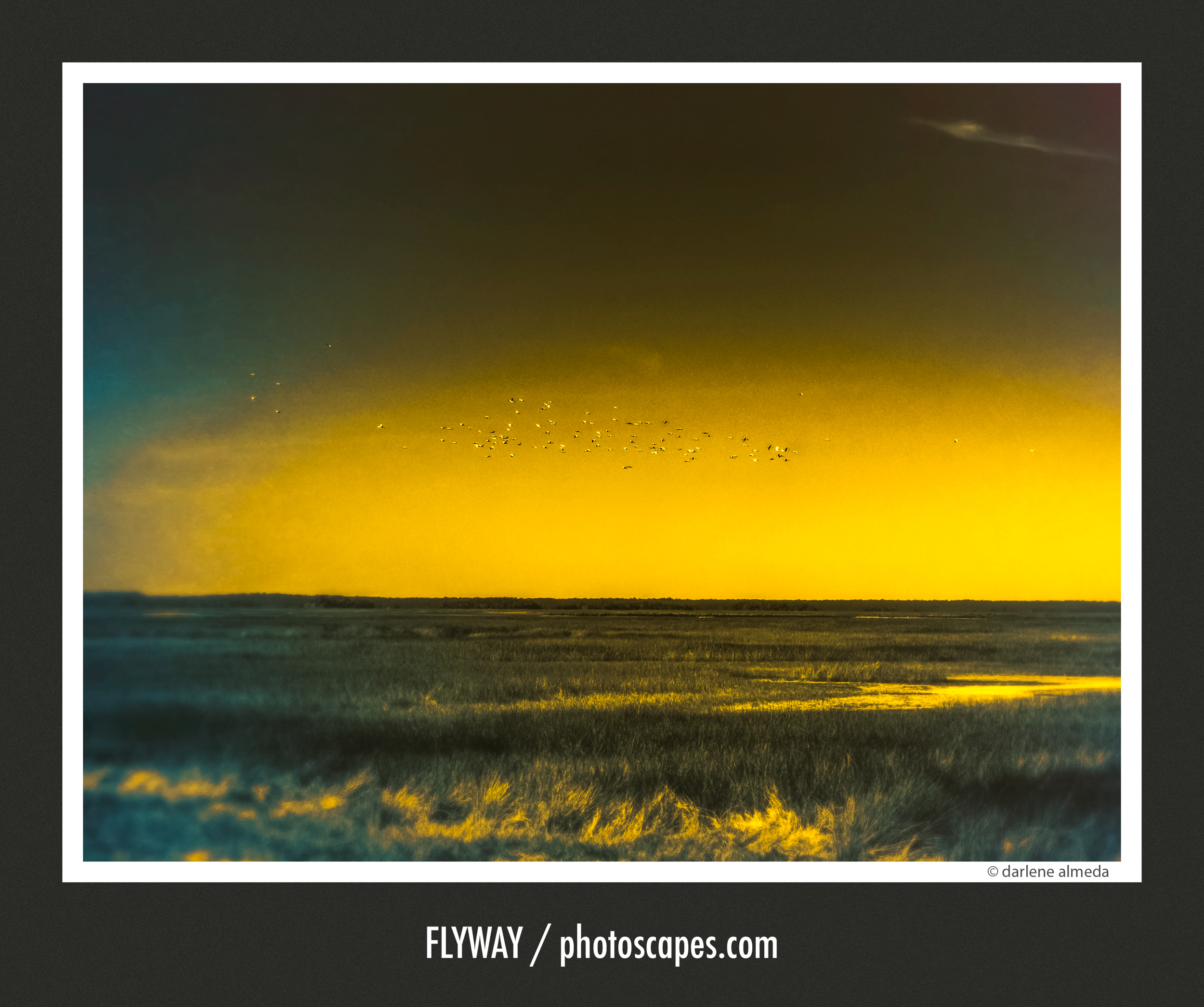
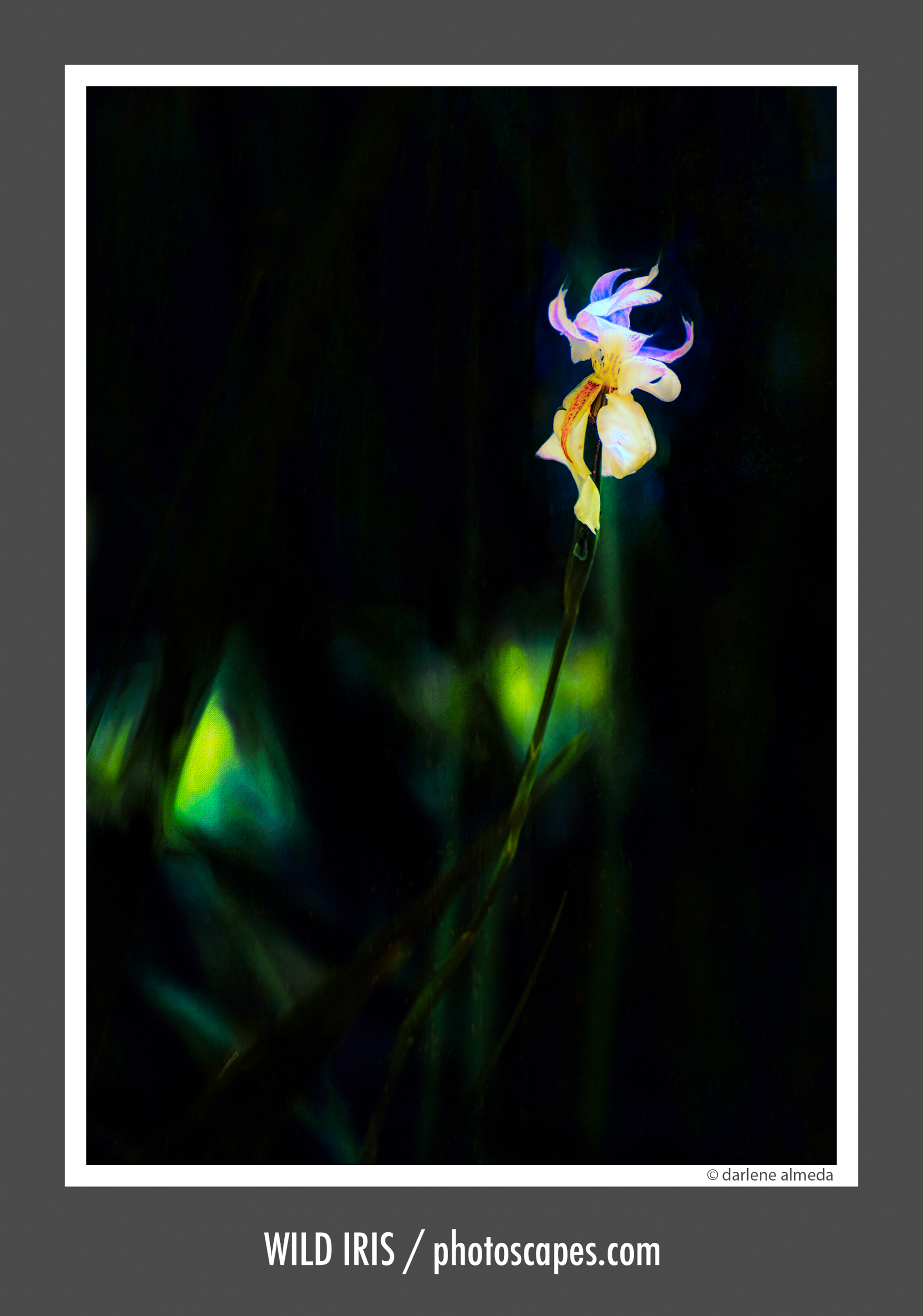
Images Made with the CFV II 50c

THE 50C SENSOR
The second image above shows the 50c sensor used in both the CFV 50c and CFV II 50c digital backs. This 43.8 × 32.9 mm, 50-megapixel CMOS sensor delivers high-resolution imagery with approximately 14 stops of dynamic range, 16-bit color depth, and an ISO range of 100–25,600. Hasselblad’s Natural Color Solution provides consistent, realistic color reproduction with smooth tonal transitions.
DIGITAL BACK: CFV 50C
CFV 50c Overview
* World’s first medium-format CMOS digital back with Live View
* Mounts to all Hasselblad V-series bodies and the 907x
* Introduced Live View to the Hasselblad V system
* Fixed rear LCD (no tilt) with earlier-generation UI
* Identical sensor to the CFV II 50c
* Served as my first Hasselblad digital back
* Replaced only after physical damage required factory sensor glass repair
* Characteristic CMOS color differing from CCD backs like the Phase One P45
The CFV 50c back is shown in the third image above. It features the world’s first medium-format CMOS sensor, representing a major step forward in digital imaging with the introduction of Live View (LV) to the Hasselblad V system. This breakthrough allowed photographers to achieve modern digital capture while continuing to work with classic V-series cameras using Live View for critical focusing.
Like the CFV II 50c, the CFV 50c uses a 43.8 × 32.9 mm, 50-megapixel CMOS sensor, delivering high-resolution imagery with approximately 14 stops of dynamic range, 16-bit color depth, and an ISO range of 100–25,600.
The CFV 50c was my first Hasselblad digital back and my first to offer Live View. LV alone was a transformative capability at the time, and shortly after its release, Phase One introduced a digital back using the same sensor and LV technology. The CFV 50c was an excellent performer. I ultimately sold mine after it was returned from Sweden with a new protective sensor glass. It served me very well and would likely still be in my kit today had I not needed to replace it.

Images Made with the CFV 50c


FOCUSING ISSUES WITH V-SERIES CAMERAS & DIGITAL BACKS
Using a digital back on vintage mechanical cameras such as Hasselblad V-series bodies introduces unique focusing challenges. Film and digital sensors differ in their tolerance for focus accuracy: film is comparatively forgiving, while digital capture demands far greater precision at the sensor plane.
Because these cameras are fully mechanical, components such as the mirror—which reflects the image to the focusing screen—can drift out of perfect alignment over time. Traditional focusing relies on this mirror-and-screen system, and any misalignment between those components and the sensor plane can result in focusing errors. Mirror shift is one of the most common contributors to this issue.
The introduction of Live View (LV) on digital backs has largely mitigated these problems. LV enables direct focusing between the lens and the sensor itself, bypassing the mirror entirely. Even if the mirror or focusing screen is slightly misaligned, Live View renders that misalignment irrelevant, ensuring precise focus directly at the sensor.
An alternative method is tethered focusing using a computer. However, many modern computers no longer support the legacy ports required by older CCD digital backs. While an older laptop with FireWire or similar connections may solve this, it often introduces workflow inefficiencies.
For these reasons, when budget allows, I strongly recommend choosing a digital back equipped with Live View. It eliminates mirror-alignment uncertainties and provides a far more reliable and efficient focusing workflow.
USING A DIGITAL BACK IN ELECTRONIC MODE
The simplest and most efficient method I’ve found for using a digital back on my 503CX is to rely on the electronic shutter. By setting the 503CX to T (Time) lock in Bulb mode, I eliminate the need for a locking shutter cable and avoid advancing the film crank altogether.
There are a few limitations to this approach: it is not suitable for subjects in motion, and it cannot be used with strobe lighting in the studio. However, for most natural-light work, this method turns the 503CX into a highly flexible tool for shooting both film and digital within the Hasselblad system. It is especially effective for travel and location work, where speed and simplicity matter.
Steps for Shooting a Digital Back on a Hasselblad 500
2. Take a Light Meter reading.
3. Set the lens to the Shooting Aperture.
4. Set the lens to B (Bulb) mode.
5. Lock the Mirror Up¹ to allow the sensor to view directly through the lens.
6. Make sure the digital back is set to Electronic mode.
7. Set the ISO on the digital back.
8. Set the Shutter Speed on the digital back.
9. Activate Live View on the digital back.
10. Double-tap for 100% LV and focus.
11. Click out of LV via the Main button.
12. Take the shot.
13. Advance the Film Winding Crank to cock the shutter.
14. Digital back and Camera ready for another image-making moment.
¹ Use the T-Lock if camera has one; if not, then use a locking shutter release cable.
TECHNICAL CAMERAS & HASSELBLAD DIGITAL BACKS
The primary reason I prefer the CFV series of digital backs over Hasselblad’s X1D and X2D camera line is my long-standing preference for using a digital back on technical cameras, as well as with 500-series bodies and V-system lenses.
If you do not need camera movements—whether through the lens, the digital back, or both—Hasselblad’s X-series cameras are excellent choices. I do occasionally use the 907x 50c as a walk-around camera with a compact three-lens XCD kit (28P, 45P, and 75P), and for that role it performs beautifully.
My core medium format digital workflow, however, remains centered on ALPA technical cameras, with occasional use of 4×5 film cameras fitted with a digital back. When traveling, I often pair a Hasselblad 501CM with the 907x, creating a flexible and highly appealing hybrid film-and-digital kit.
Over the years, I have successfully used Hasselblad digital backs on the following technical cameras: ALPA Max, STC, SWA, and TC; Linhof 3000; Cambo Wide 650; and Sinar Norma.
DIGITAL BACK ACCESSORIES
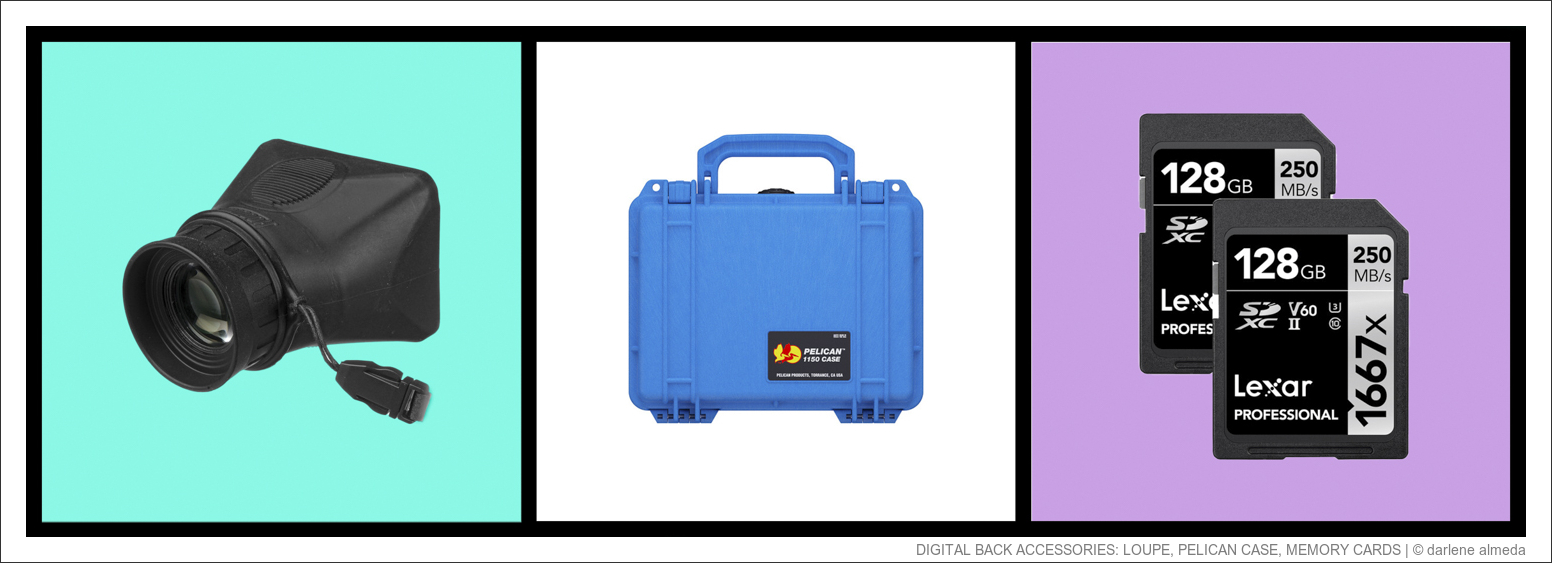
Hoodman 3.0 HoodLoupe
If you plan to work in bright, sunny conditions with a digital back, a loupe designed specifically for camera LCD screens is strongly recommended. I’ve used the Hoodman 3.0 HoodLoupe since 2011, beginning with my first digital back, a Phase One P45. Although the P45 did not offer Live View, I still needed clear visibility of on-screen data for proper operation—and that need led me to the HoodLoupe 3.0. It has consistently met my visibility requirements when working outdoors in bright light.
The HoodLoupe is constructed from a durable, rubber-like material that does not scratch the screen and remains comfortable to use for extended periods. Hoodman now offers an updated version, the HoodLoupe 3.2, with improved optics.
Pelican Case 1150
Depending on the camera system I’m using with my CFV II 50c—either a 503CX or an ALPA technical camera—the digital back is often transported separately from the 907x. For each setup, I use a different protective case.
When traveling with the 503CX, I use a DIY Tamrac lens case to secure the digital back alongside the camera body and lenses inside a backpack. For location work with my ALPA technical camera system, the digital back is housed in a Pelican 1150 hard case along with four spare batteries. When traveling with the 907x, the digital back and body are stored together in a Gnass case (now discontinued), similar in form to the Stone Photo Gear 49495 case.
Memory Cards
When selecting memory cards for digital backs, it is best to purchase the fastest and most reliable cards your budget allows. The cards shown above are the ones I currently use with my CFV II 50c. They were the fastest options available when I acquired the back and continue to perform reliably.